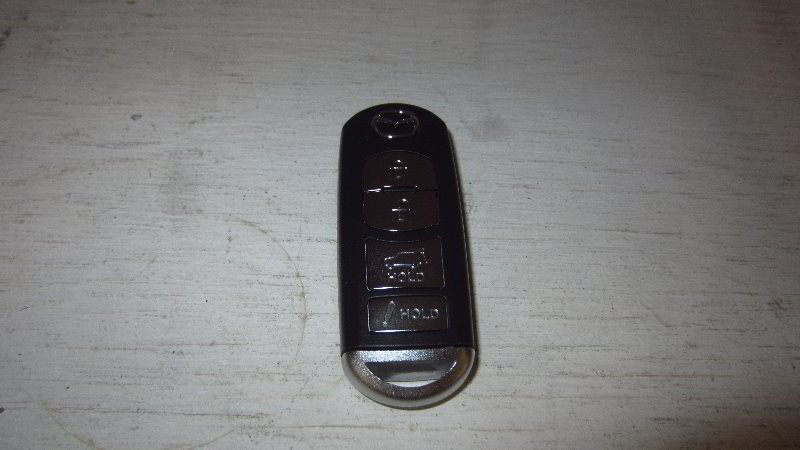
This automotive maintenance tutorial was specifically written to assist owners of the second generation (2017, 2018, 2019, 2020, 2021 and 2022) Mazda CX-5 SUV in changing the battery in the “smart” or “intelligent” key fob remote control for the “Advanced Keyless Entry System”.
Owners of other Mazda vehicles such as the CX-3, CX-30, CX-7, CX-9, Mazda3, Mazda6, MX-30, MX-5 Miata, Mazda2, CX-4, CX-8 and BT-50 may also find these DIY instructions to be helpful.
The compatible replacement coin cell (also known as a “button” or “watch”) battery is part number CR2025 which is available from various manufacturers such as Panasonic, Duracell, Energizer, Sony, Maxell and Toshiba.
The only tool needed to complete this procedure is a small flat head screwdriver such as from a precision screwdriver set (also known as a jeweler’s screwdriver set).
You may also be able to use a small plastic pry bar tool.
The first step is turn over the fob and locate the sliding switch to release the backup / emergency metal ignition key.


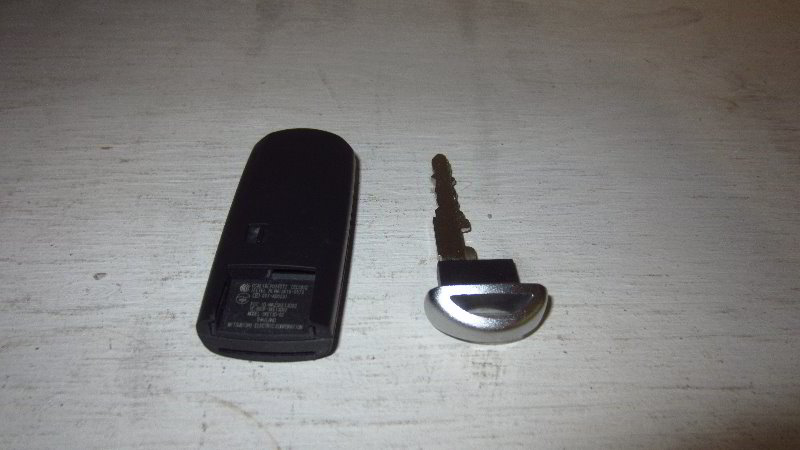
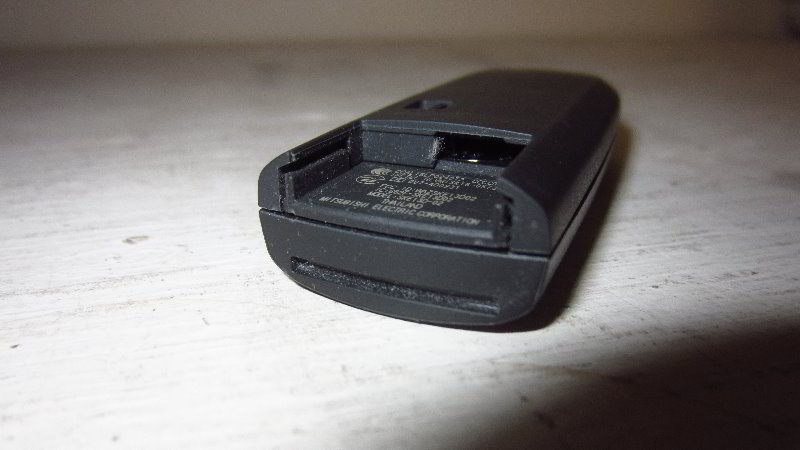
Gently slide the switch to unlock the backup / emergency metal ignition key.
Pull the ignition key straight out of its slot.
Set the key aside in a safe place.
Locate the small gap between the front and rear halves of the fob assembly.

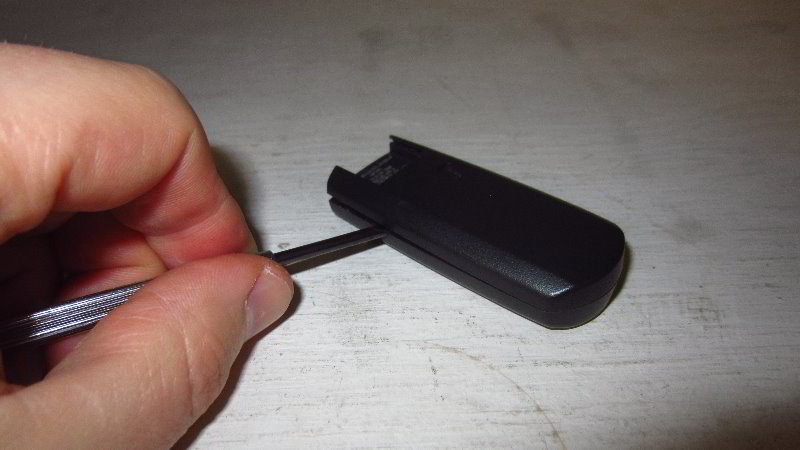
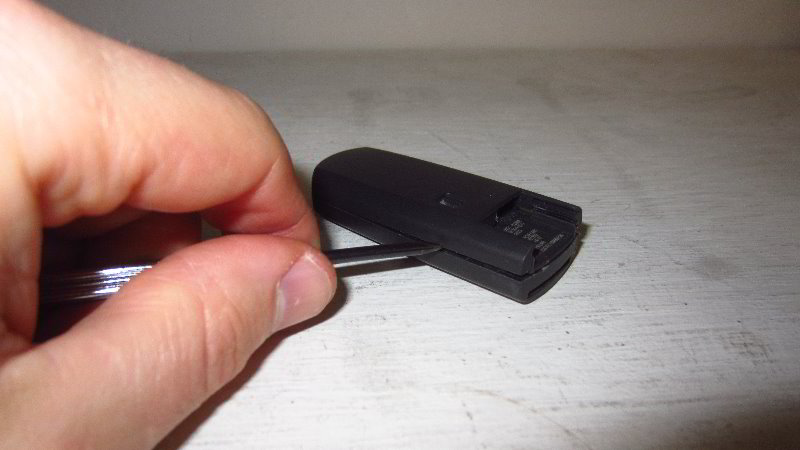
Insert the small flat head screwdriver in between the two halves of the fob.
Very gently and carefully pry apart the fob housing.
You will need to remove and re-insert the screwdriver into several locations all along the edges of the fob to fully separate the two halves.
Please take your time and avoid using excessive force to prevent from cracking or breaking the plastic pieces. The two halves of the fob should pop apart relatively easily.


Set the back cover of the fob aside in a safe place.
Locate the round black plastic battery cap.
Gently pry off the battery socket cap with the small flat head screwdriver.


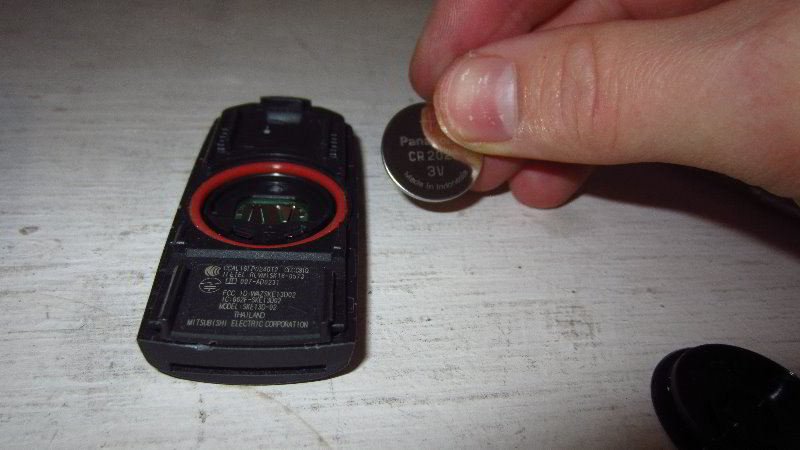
Set aside the round cap aside in a safe place.
Use the flat head screwdriver to carefully lift the old battery out of the socket.
Try to avoid damaging the plastic retaining tabs, scratching the green circuit board or bending the metal electrical contacts.

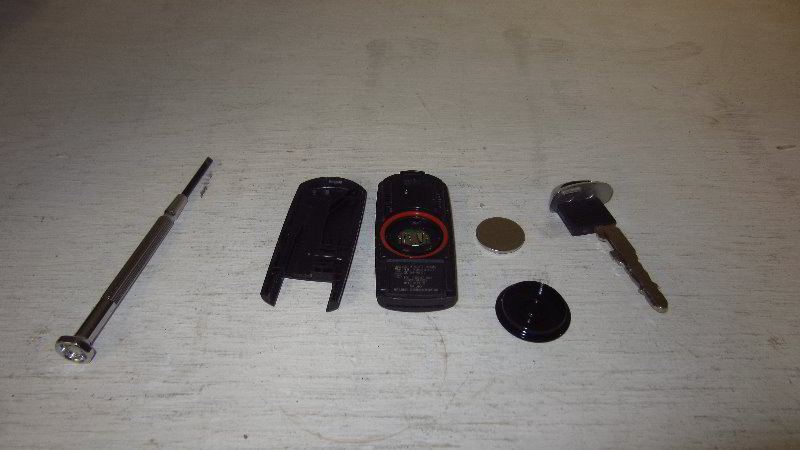

The OEM (original equipment manufacturer) battery part number in this 2019 CX-5 was a Panasonic CR 2025 3 volt lithium coin cell.
Orientate the new CR2025 battery with the “+” positive side facing up towards you and the “-” negative side facing down into the socket.
Lower the new battery into the holder.
Gently pop the new battery down into place. Make sure it is flush in the socket.

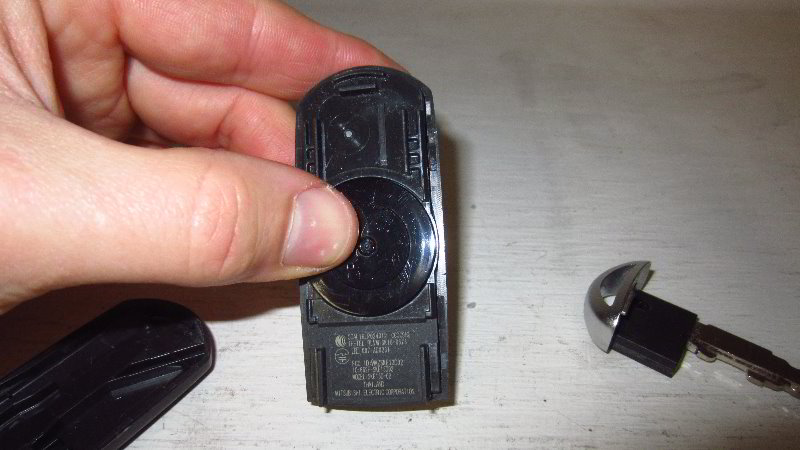
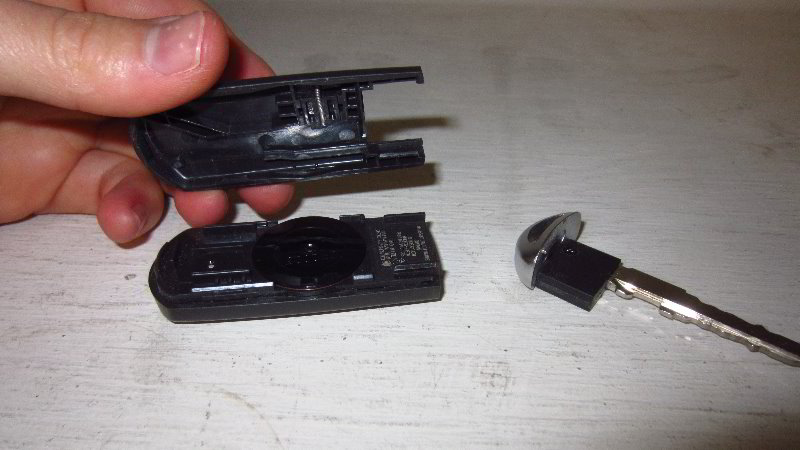
Push the round plastic cap over the battery socket.
The cap should “click” securely into place. Make sure the cap is fully seated.
Line up the rear cover with the back side of the fob housing.
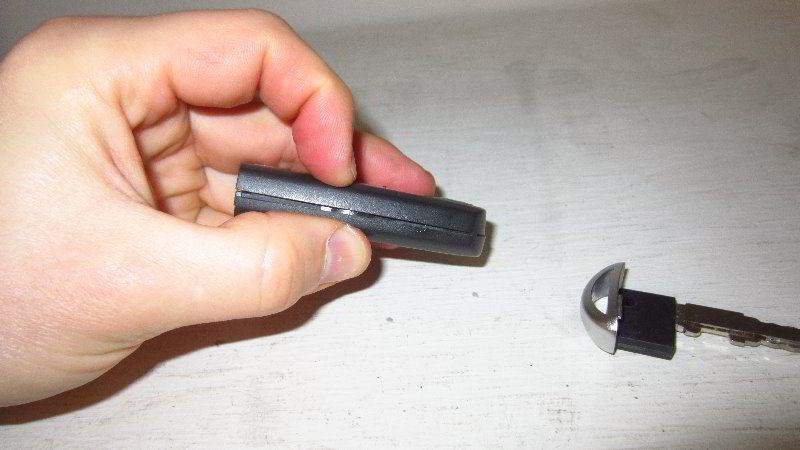
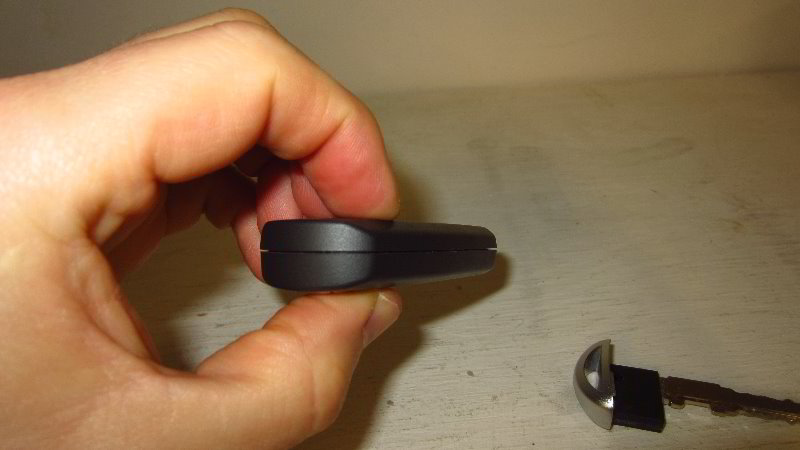
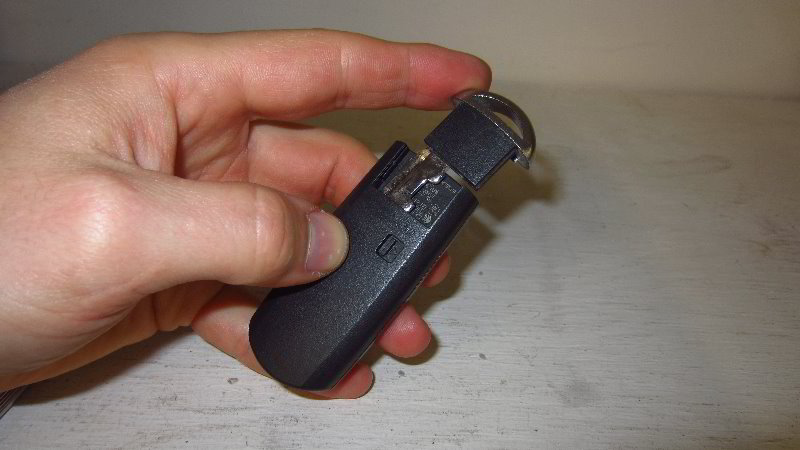
Gently snap together the two halves of the fob.
Check to see if the two halves of the fob are flush together at every edge.
Replace the metal ignition key by sliding it straight into its slot.
The ignition key should “click” securely into the slot.


To test the new battery, stand near your SUV and press the “Unlock” or “Lock” buttons.If the new battery is working properly, you should see the parking lights flash, the LED headlights may turn on and you’ll hear the door locks opening and closing.
Note – You should not have to reprogram the key fob. Just changing the battery should not clear the original programming from the factory.
Be sure to write down the procedure in your vehicle’s service records.
Please check out all of my 2017-2022 Mazda CX-5 DIY Repair & Maintenance Guides.